Clean up resources
Clean up resources
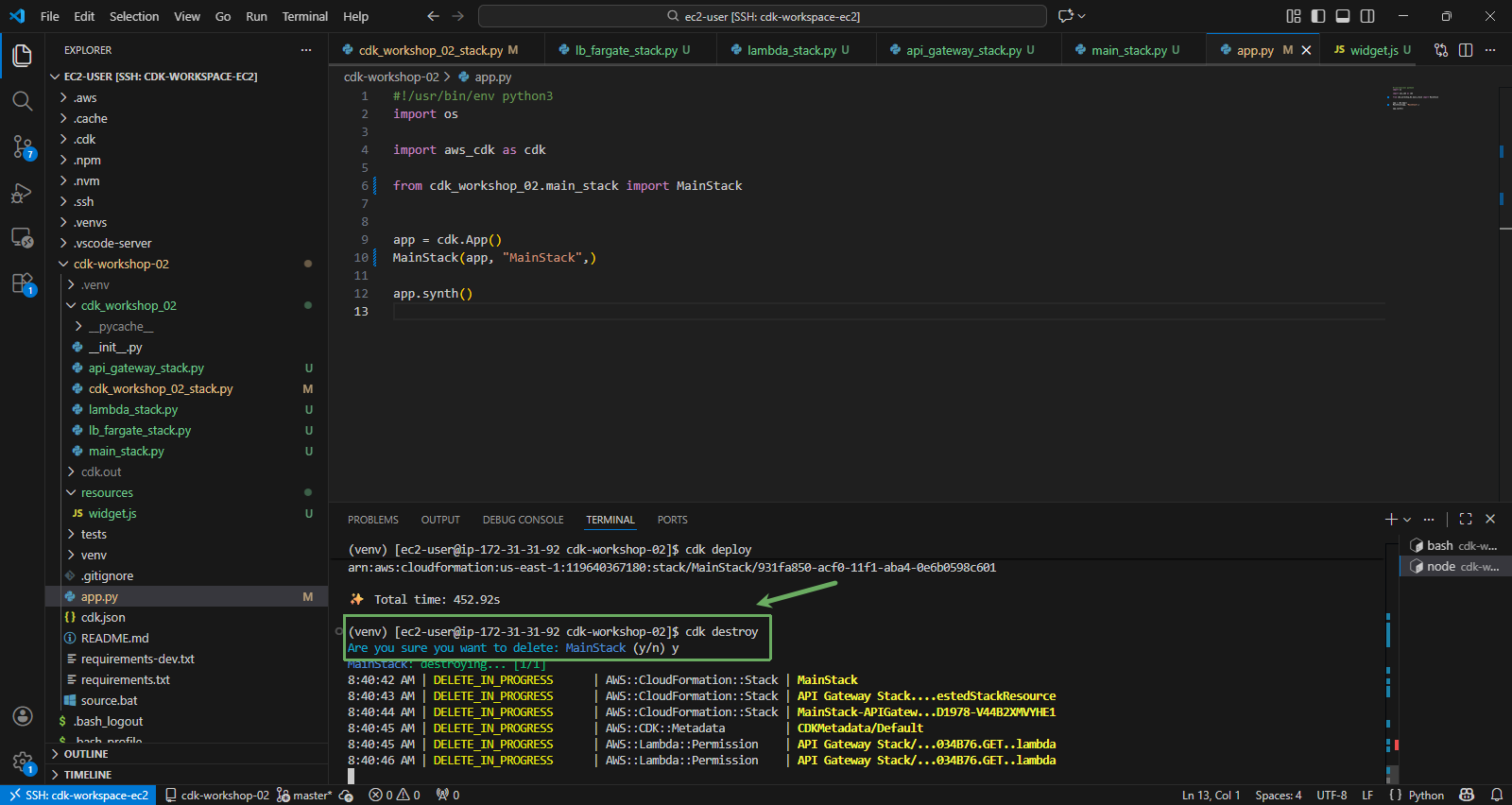
Similar to the CDK Basic part, you can clean up all the created resources to avoid being charged unnecessary fees. To delete the resources in the stack, run the command:
The cdk destroy command must also be run in the project folder with the venv activated. If you open a new terminal, re-run:
cd ~/cdk-workshop-02
source venv/bin/activate
cdk destroy
Or you can clean up manually
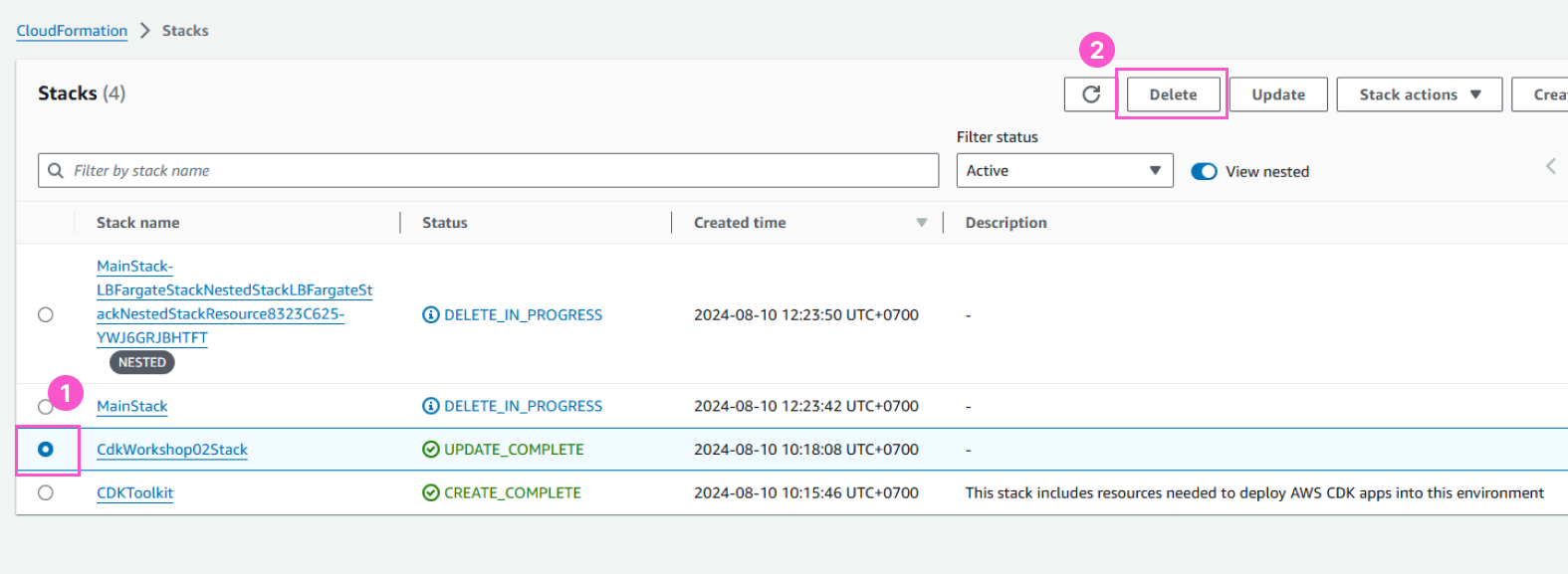
If you upload files into the bucket, the bucket cannot be destroyed by the cdk destroy command. Therefore, you will need to manually delete all files inside the bucket and then delete that bucket.
Congratulations on completing the CDK Basic - 2 practice